
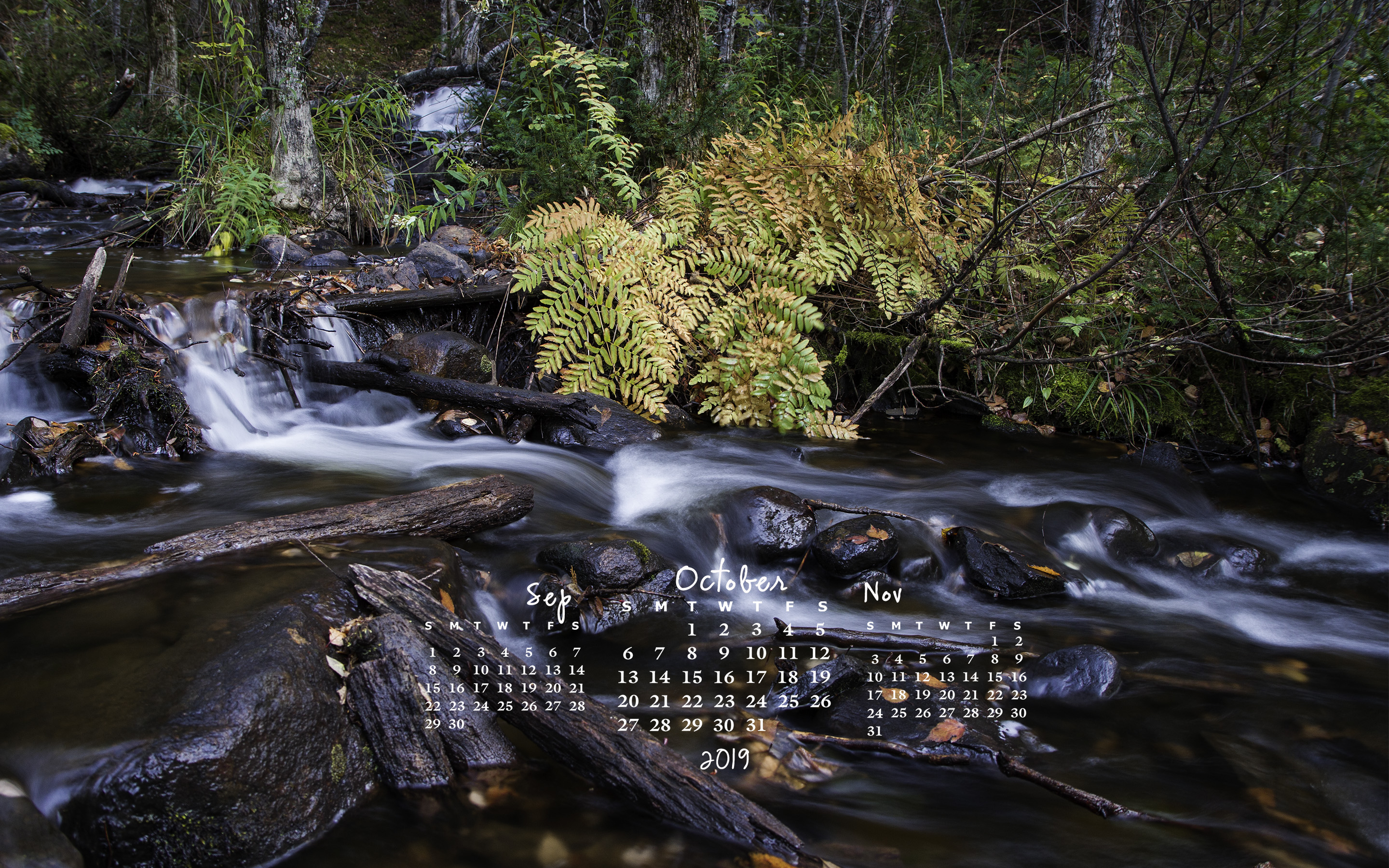
Happy fall y’all!
Happy fall y’all!
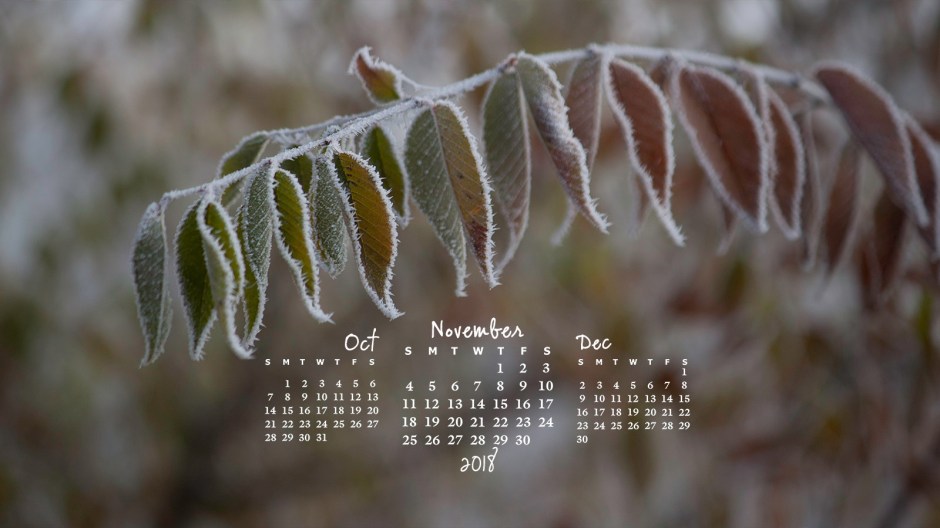
I couldn’t resist using some more coloured leaves for the desktop calendar. I love how the red and green remind us that Christmas isn’t very far off. Have you started holiday shopping?
If you’d like to have the calendar for your cell phone, you can save this one:
 Last month, I posted some instructions for putting the image on your lock screen in case you need it.
For different desktop ratios, go here.

We have been enjoying some of the most colourful scenery this fall. The maples, the definite minority tree here, are bursting with more shades of green, yellow, orange and red than ever. These in particular caught my eye.
Alternate desktop resolutions are available in the Free Calendar drop down menu.
Just because I love this so much, I made a version for my smart phone lock screen.

On an iPhone, to make this your lock screen image, save the image to your photos. Go to Settings, Wallpaper, then Choose a New Wallpaper. The image should be the most recent in All Photos. Select it, then Set. You can choose to have it as your lock screen or be the background behind all the app icons (home screen) or both. Sorry android users, you’ll have to figure yours out on your own.
Happy Fall, y’all!
I’m always fascinated by shades of purple that appear in a mist being chased by the rising sun and enjoy watching the islands and far shore being uncloaked.

Alternate resolutions of the calendar are available from the Free Calendar tab of the menu. Enjoy.

We may not get much for glorious red maples in our part of the country in the fall but the under brush of the boreal forest still paints beautiful scenes with flaming yellows and oranges and reds.
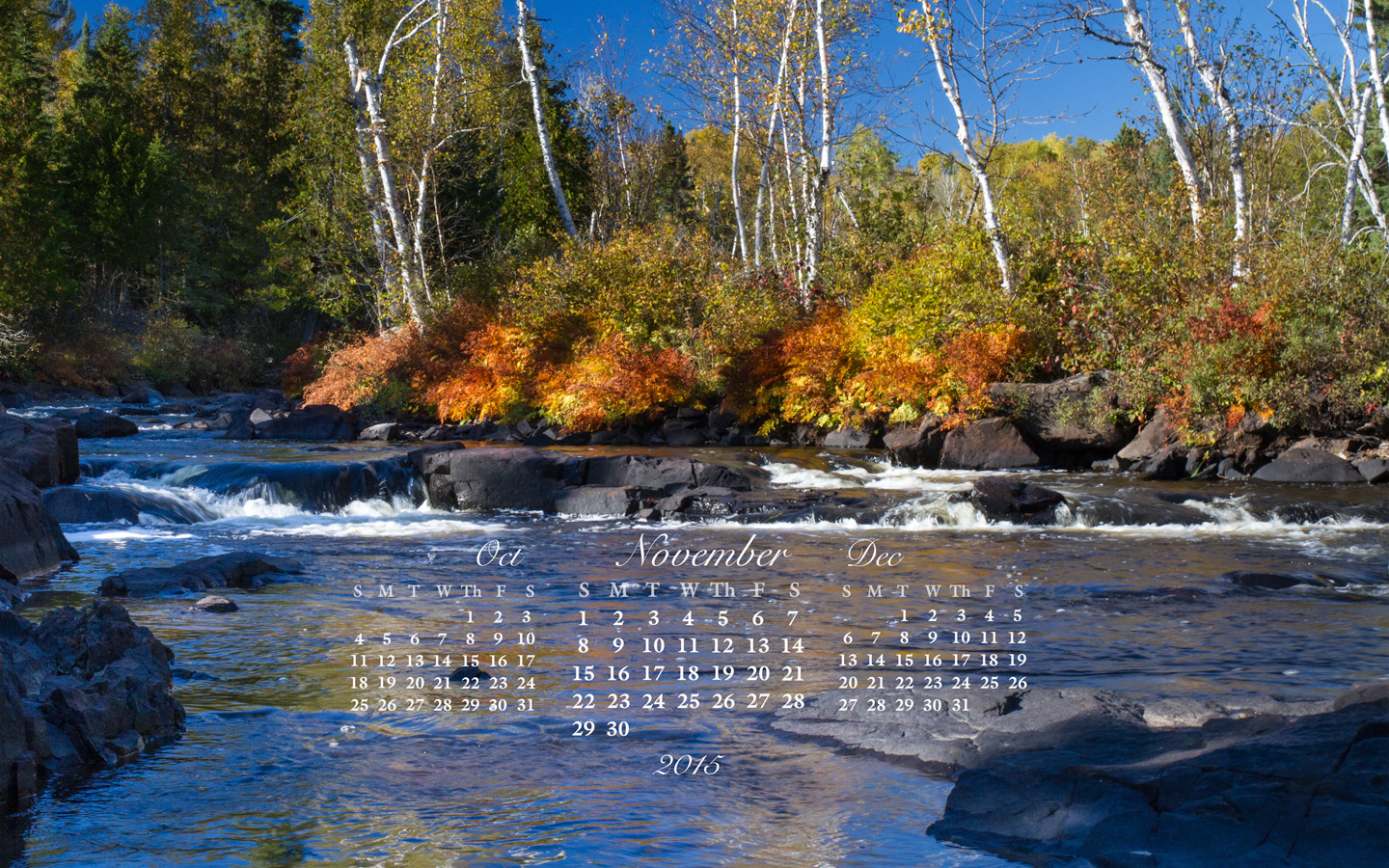
This was taken at the top of the Current River Cascades in Thunder Bay while hiking with my 10 & 7 year old grandsons in early October.
For different screen resolutions of the image, go here or drop down the Free Calendar tab at the top of the page and scroll to November.
 Karen Greaves Photography & Fibre Art